
 Dromify for Omarchy
Out now on the App Store
Your music library, everywhere in the Apple® ecosystem.

Dromify is a native client for self-hosted Subsonic-API music servers like Navidrome. Browse, search, stream, and download your own library — no accounts, no subscriptions, just your server.

- Available now
- iPhone®
- iPad®
- Mac®
- Apple Watch®
- Apple TV®
- Vision Pro
- CarPlay
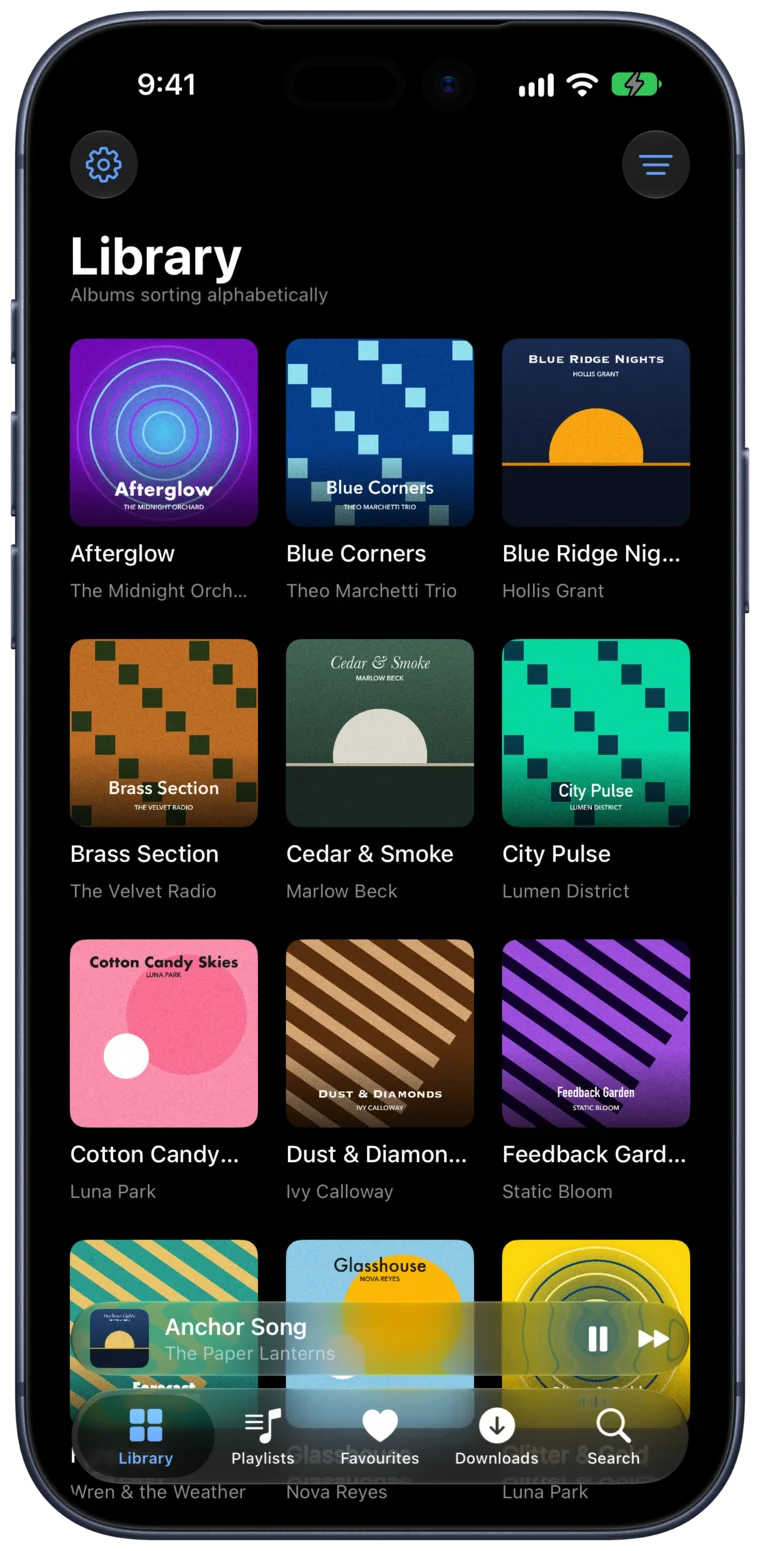
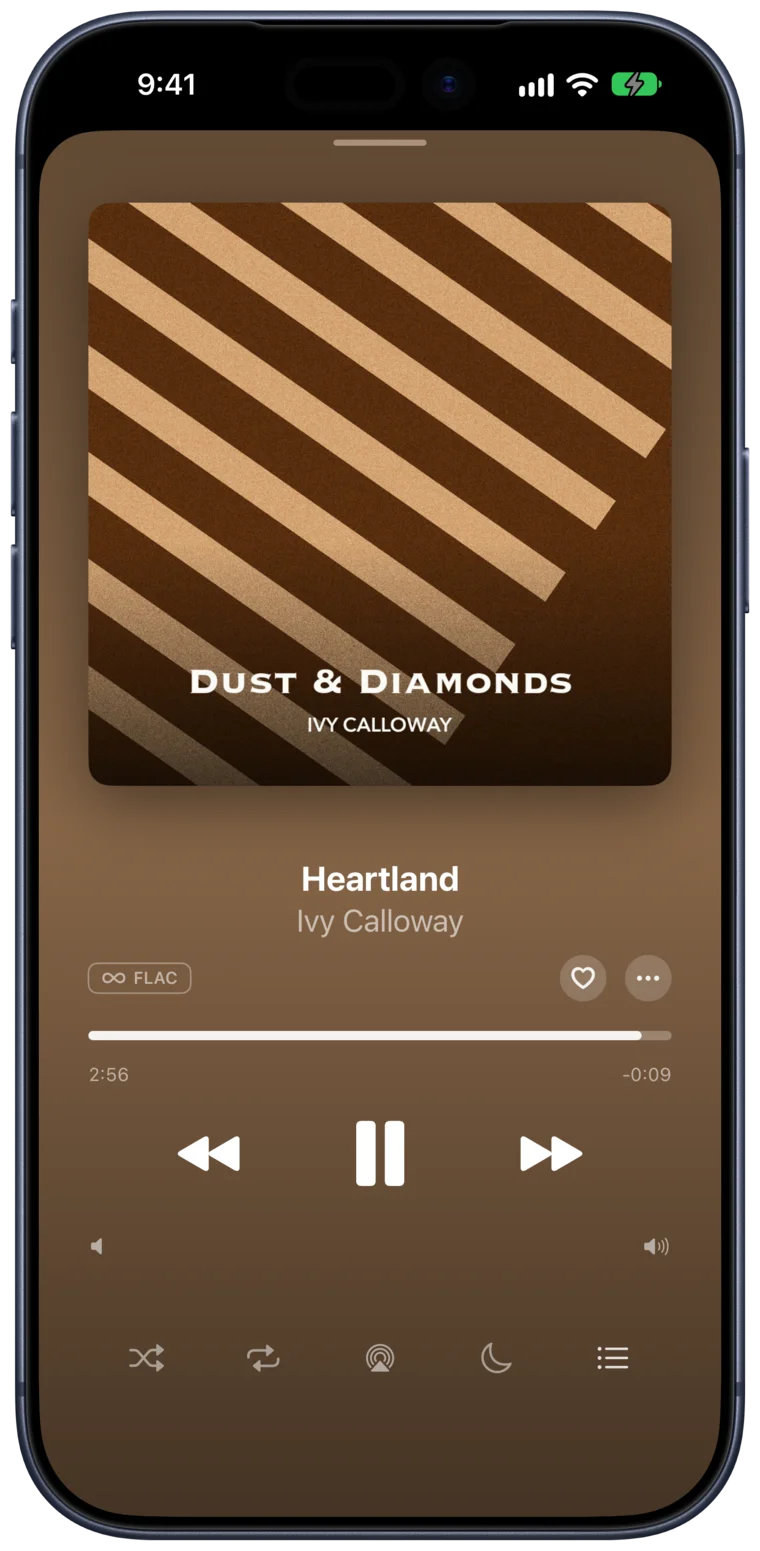
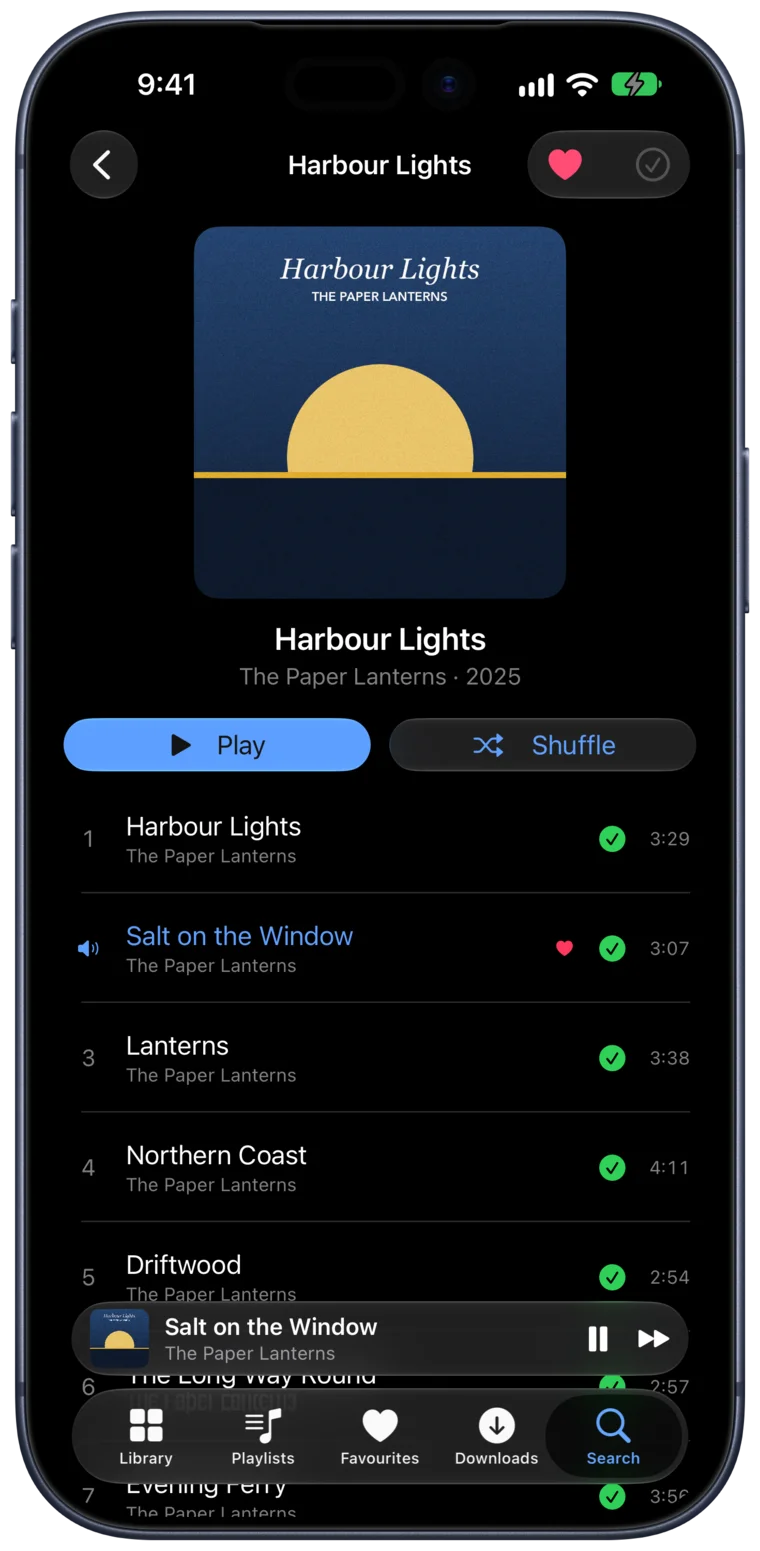
What’s inside
CarPlay
Recent, Playlists, Library, and Search on the car screen, with full Now Playing controls and a tap-to-Siri cell.
Siri & Shortcuts
“Play the new album on Dromify,” plus voice commands for play, pause, skip, shuffle, repeat, and favouriting the current track.
Apple Watch
A standalone Watch app with offline downloads — leave your phone behind and still have your music.
AirPlay & Now Playing
Lock screen, Control Center, and AirPlay handled like any first-party player. Handoff between devices just works.
Search & playlists
Full-text search across artists, albums, and songs. View, create, and edit playlists on any device.
Light & dark
Follows the system appearance and looks right either way, with a blue accent that carries across every platform.
Every screen you own
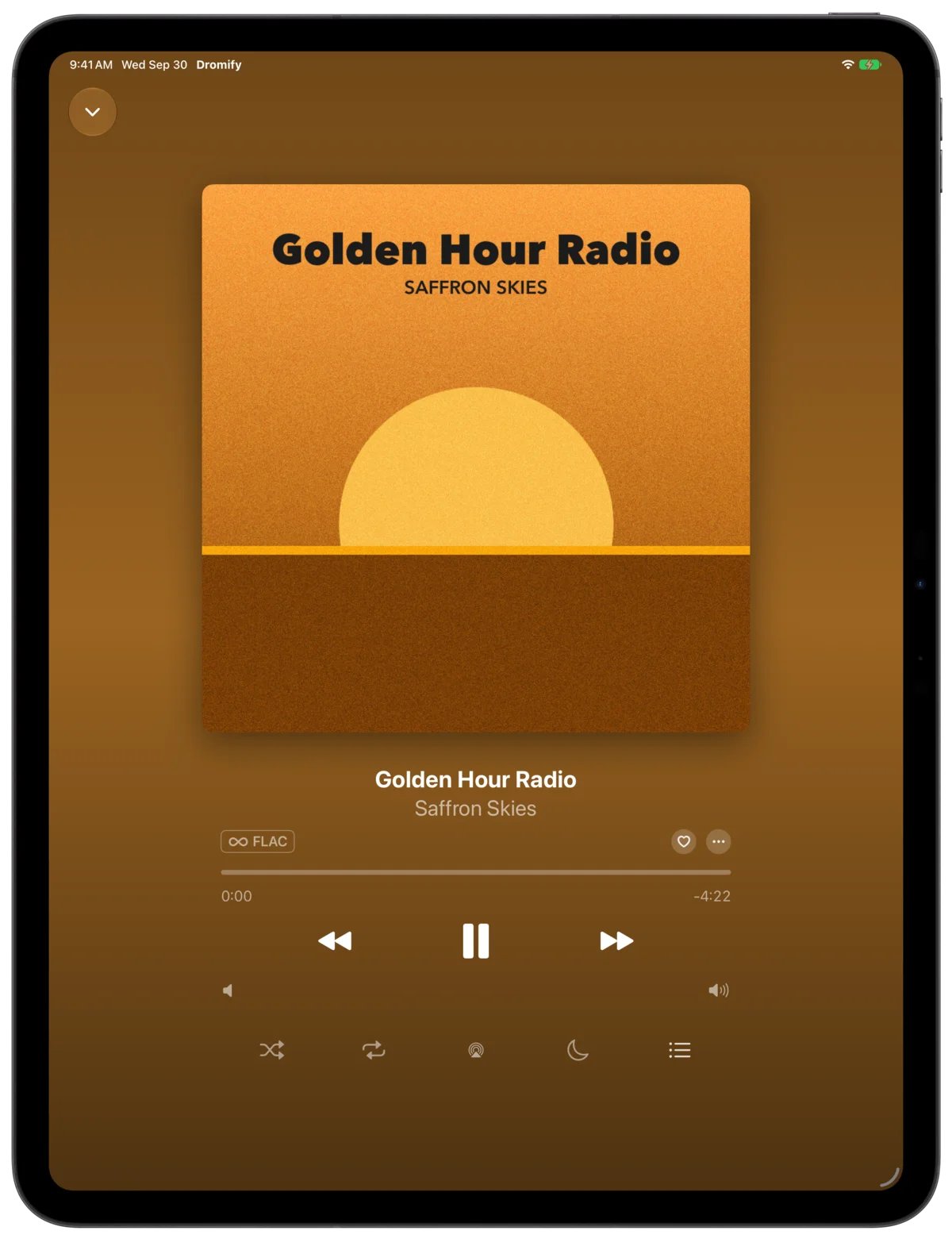
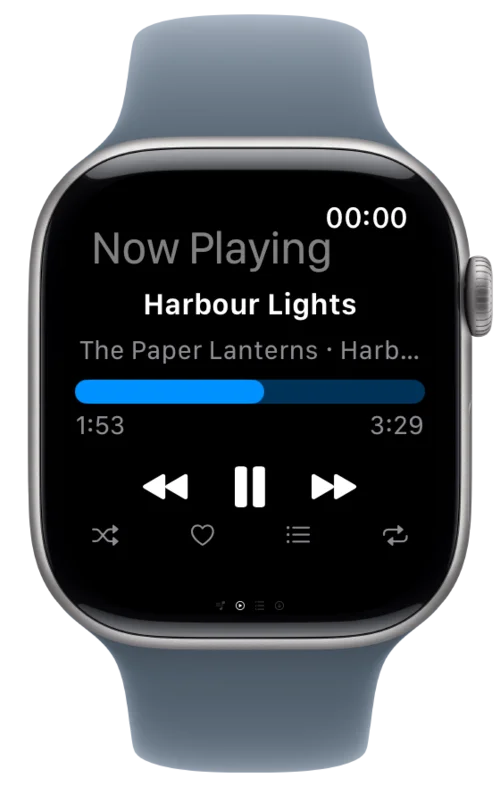
iPad and Apple Watch, included
One download covers every Apple device you own. The iPad gets a layout that makes use of the big screen; the Watch app syncs downloads so you can leave your phone at home.
Mac, Apple TV, and Vision Pro
Out nowNative apps for the desktop, the living room, and your space, built from the same library and the same server, and included in the same download.
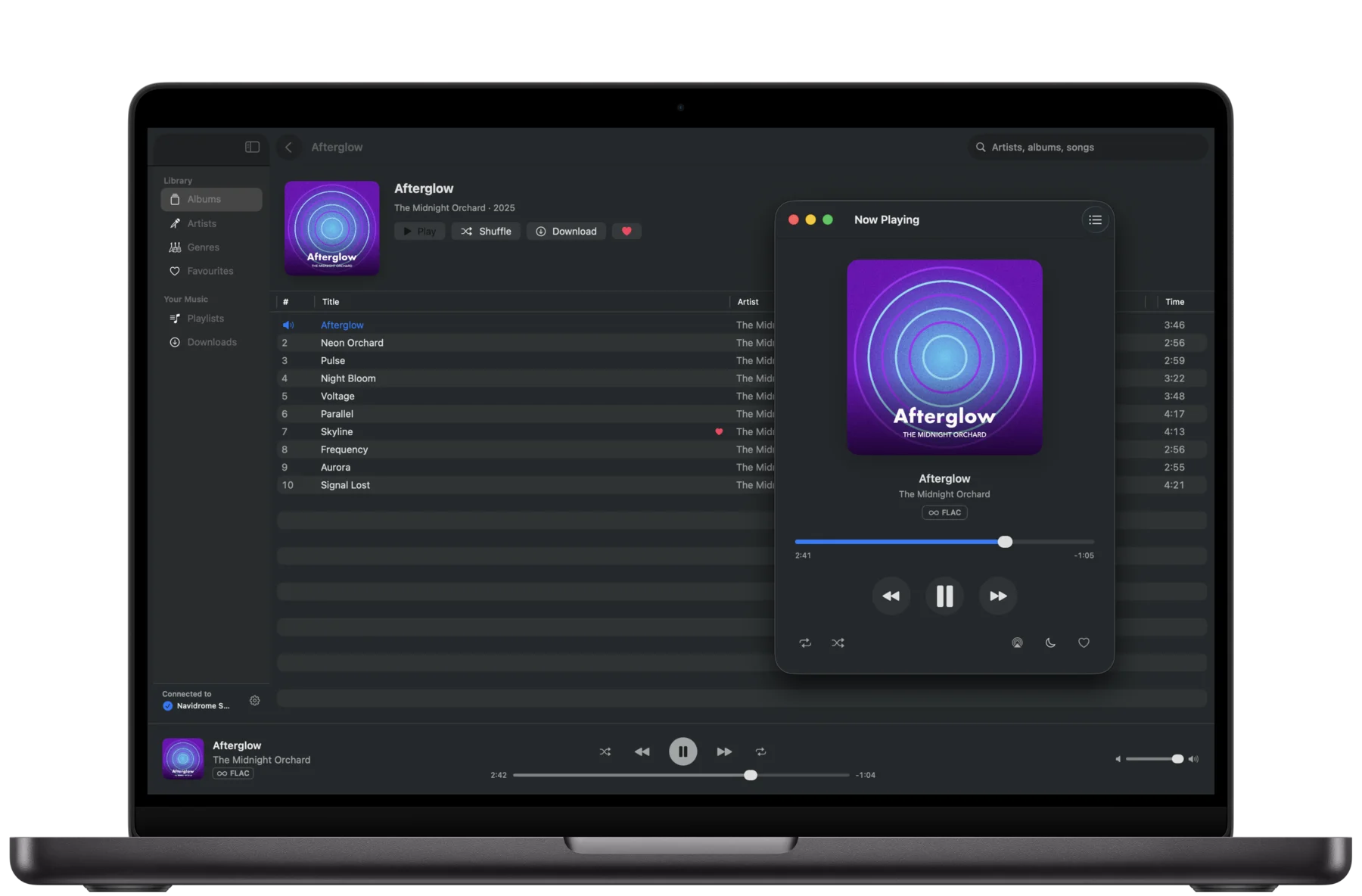
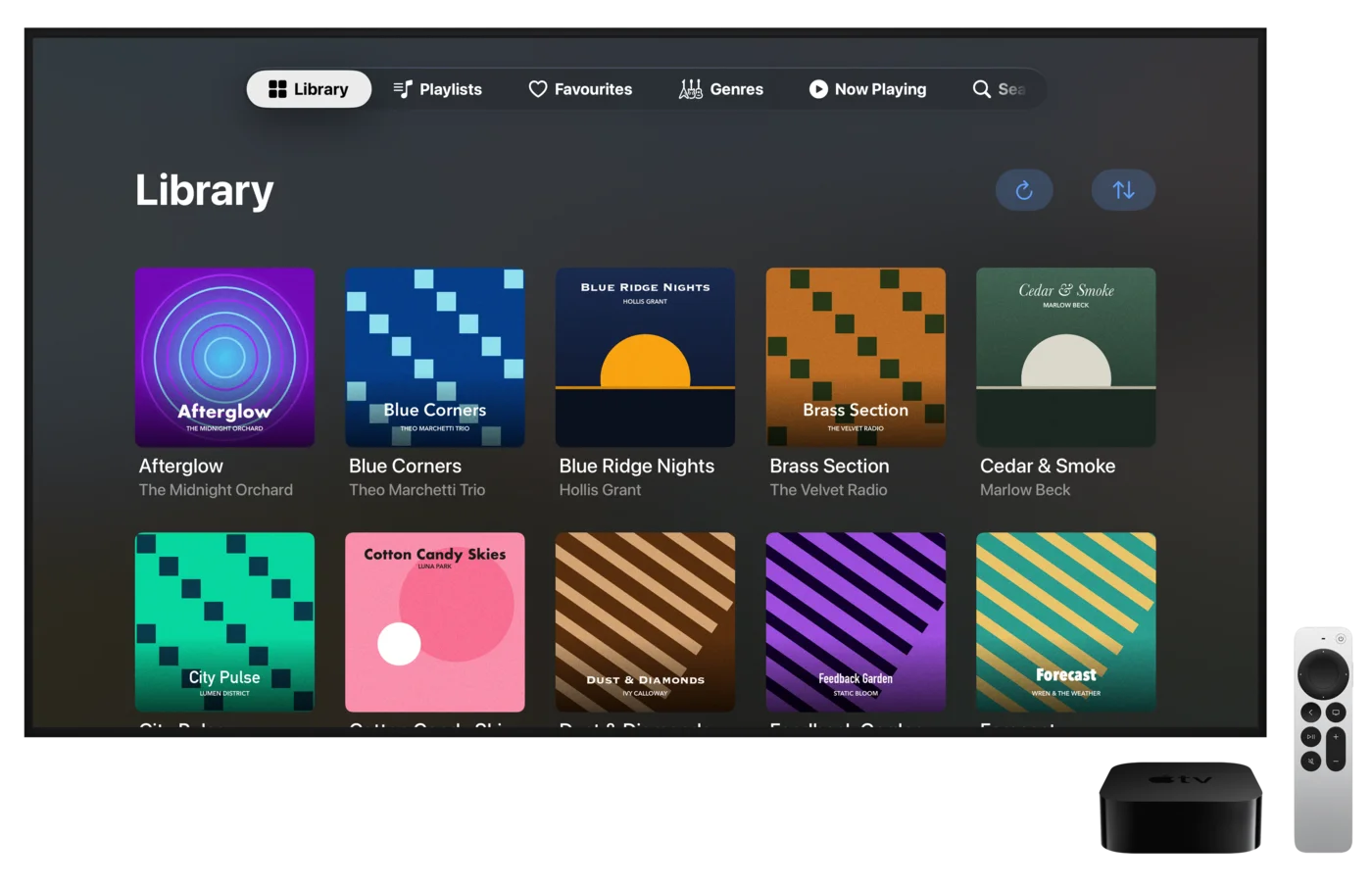
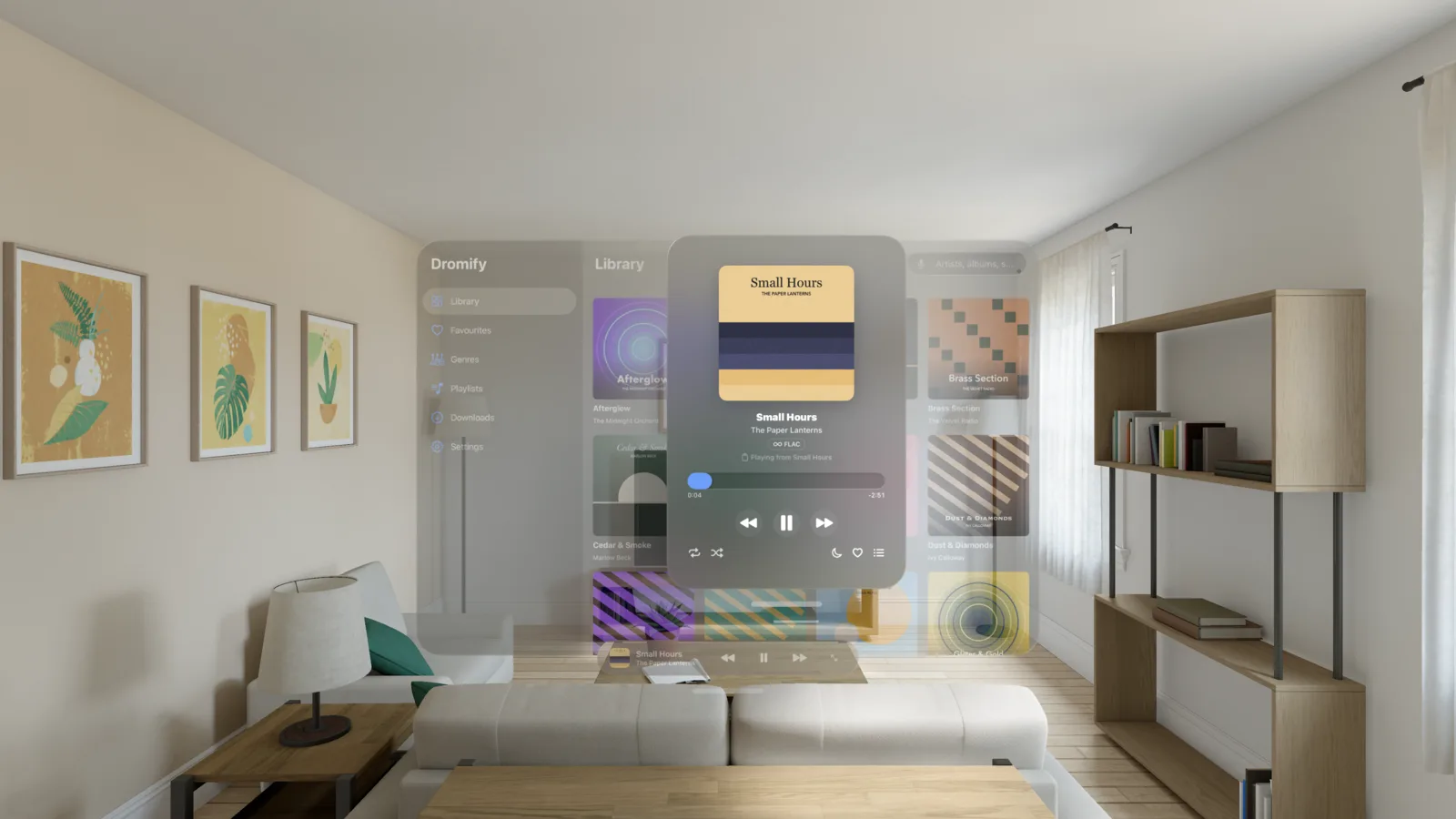
Also on the Linux desktop
It’s free on Omarchy!
Dromify for Omarchy brings the same idea to Omarchy, an opinionated Arch Linux and Hyprland desktop — search, browse, and play from the bar, with hardware media-key support and multiple servers.
Published and verified on the Omarchy Plugin Marketplace

Privacy
Dromify talks only to the server you point it at. There are no accounts, no analytics, no tracking, and no third-party SDKs. Your server details stay on your device (your password in the keychain); downloaded music stays there until you remove it. Nothing is sent to us.
Read the full privacy policy, or email hello@tallahootie.com.